Dub the video when you do not want to read subtitles the whole time.
Sometimes translated subtitles are enough. Sometimes you want a version that plays naturally in your own language, whether you are sitting down to watch or just listening while you walk. Translator helps you keep the original video, generate dubbed speech, and export a finished localized result from the same workflow.
- Move from translated viewing to dubbed output without changing tools
- Keep the original video context while generating a new voice track
- Export a finished dubbed video, not just audio by itself
Downloading and subtitle editing are free. AI features use credits only when you run them.
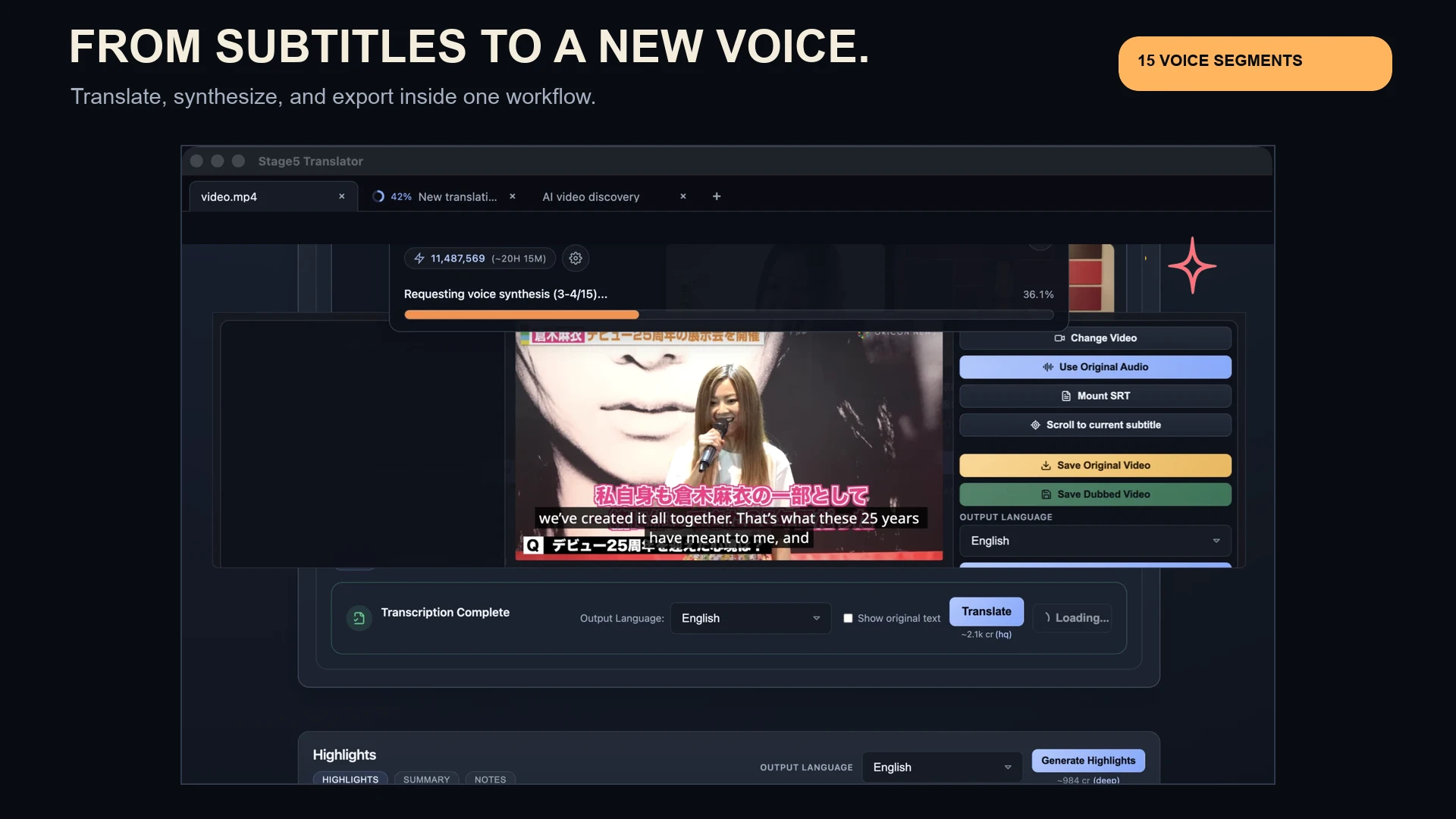
Original video stays visible while you prepare the dubbed version.
Dubbed output becomes something you can watch, save, and share.
The point is not just to generate another audio file. The point is to leave with a finished video you can use.
Dubbing makes the video easier to follow because you can hear it, not just read it.
Let people follow the video without reading subtitles the whole time
Subtitles are great for review and discovery. Dubbing helps when you want something that feels easier to watch or listen to in another language.
Keep the workflow attached to the source video
Download, translate, dub, and export from one app instead of stitching together separate subtitle, TTS, and export tools.
End with a usable deliverable
The goal is a dubbed video you can keep, send, review, or publish, not a pile of intermediate assets.
A straightforward path from source video to dubbed video.
Start with the right video
Open a local file or download something you found through discovery so the video is already inside the same workflow.
Translate before you dub
Review the translated subtitles and make sure the content is saying what you want before you turn it into speech.
Generate and export the dubbed version
Create the dubbed output and leave with a finished video that is ready to watch, save, or hand off.
Sometimes subtitles are enough. Sometimes you want a version that actually sounds natural.
Listen more naturally
Use dubbing when you want to follow the video in your own language without staying locked to subtitles, including when you are walking or doing something else.
Prepare a shareable localized version
When a video is worth passing around, dubbing gives you a stronger artifact than a translated transcript alone.
Keep moving after discovery
Find the right video, judge it with subtitles first, then keep the best ones moving into dubbed outputs without starting over elsewhere.
Need to find or translate the video first?
Find the video, watch it with subtitles first, then dub it without starting over in another tool.
Download Translator and turn the right videos into dubbed versions you can actually use.
Watch with subtitles when that is enough. Dub the video when you want a version that feels easier to watch, share, or keep.
Downloading and subtitle editing are free. AI features use credits only when you run them.